Good fit if
What you want it to do
- Replacing an alarm after checking the required detection type and installation instructions.
- Comparing standalone alarms with compatible interconnected or app-connected options.
Check before you choose
When to pause
- Standalone, interconnected, Wi-Fi and hardwired models have different requirements; do not treat them as interchangeable.
- Follow the manufacturer's manual and local requirements. A phone notification does not replace an audible alarm.
A closer look
Explore the X-Sense range.
Merchant imagery adds context to these buying notes. Pictured products and accessories are examples; confirm what your selected offer includes.
Start with the room and the existing system
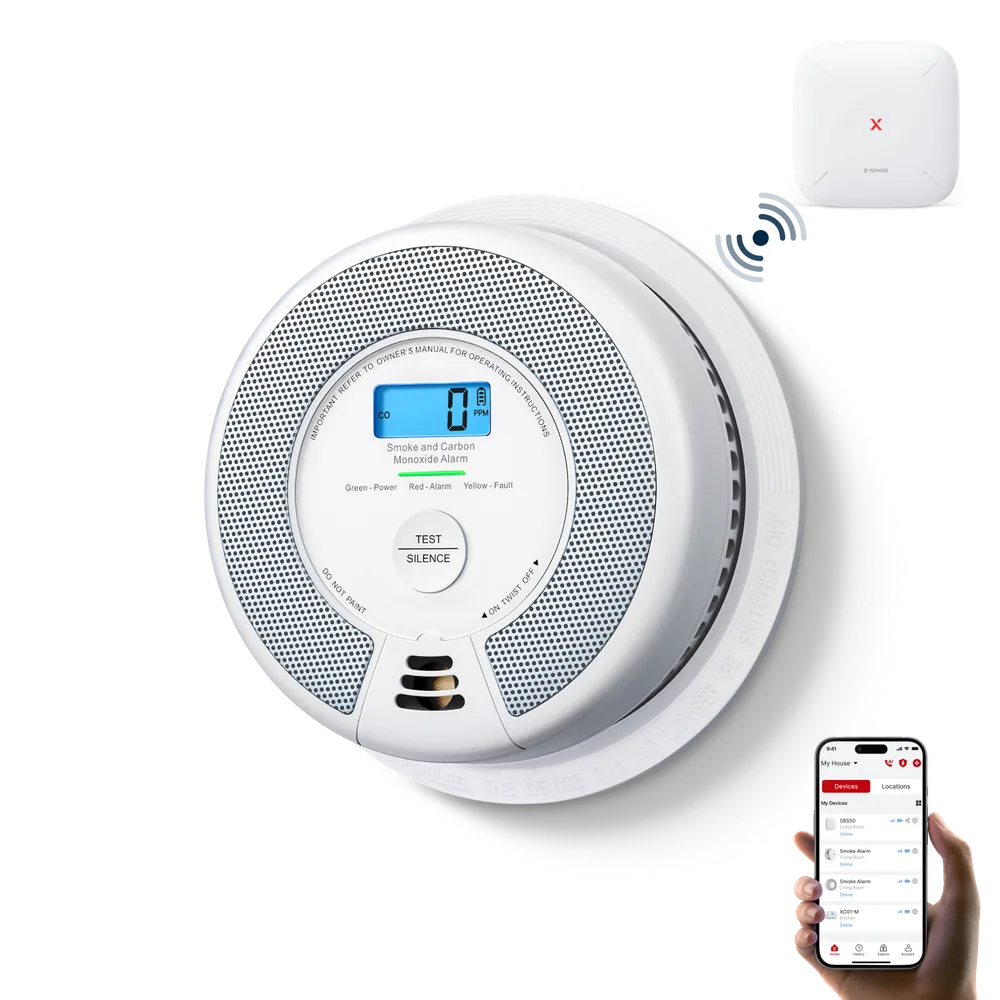
Check what the location requires before selecting a model. Smoke detection and carbon-monoxide detection are different functions; a combination alarm addresses both only when it is specified and installed for that purpose. Confirm the power source and mounting requirements. Do not replace a hardwired or interconnected setup solely because a standalone model has a promotion.
Compare the complete alarm setup
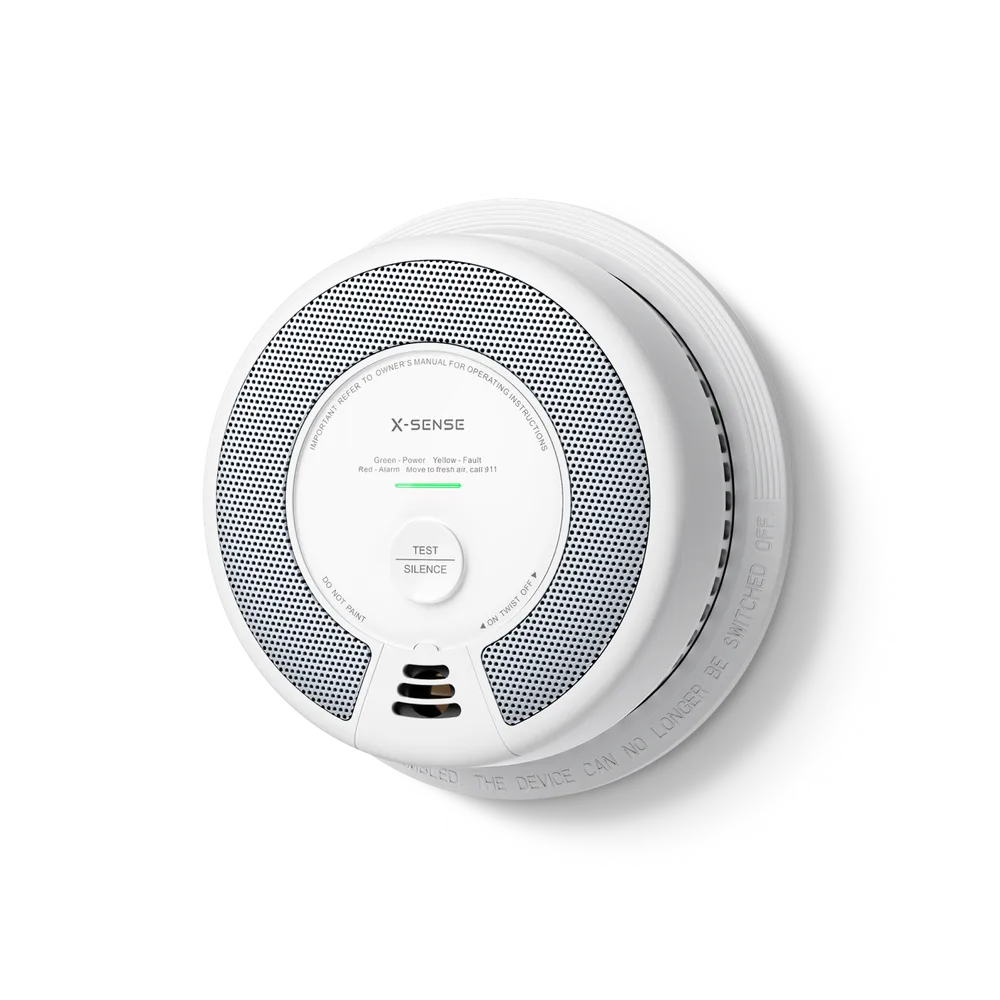
If you want alarms to sound together or send app notifications, check the exact model's interconnection method and any base-station requirement. Compare the number of units in the pack and the replacement and test instructions. The SC06 shown here is a standalone combination example, not a claim that every X-Sense alarm has the same features. For installation questions, use the manual and qualified local guidance.
Questions before you buy
Are all X-Sense alarms connected to Wi-Fi?
No. X-Sense sells standalone and connected models. Check the specific model for Wi-Fi, interconnection, app and base-station requirements.
Can X-Sense promotional codes be combined?
This page does not promise code stacking. Compare the individual offers and confirm which one applies to the selected items at checkout.