Good fit if
What you want it to do
- Powering selected devices after checking their running and starting demand.
- Comparing a portable battery setup for travel or a planned backup kit.
Check before you choose
When to pause
- AC180 and AC180P are different variants. Check the exact model and bundle.
- Runtime depends on load, settings and conversion losses; nominal capacity is not a runtime guarantee.
A closer look
Explore the BLUETTI range.
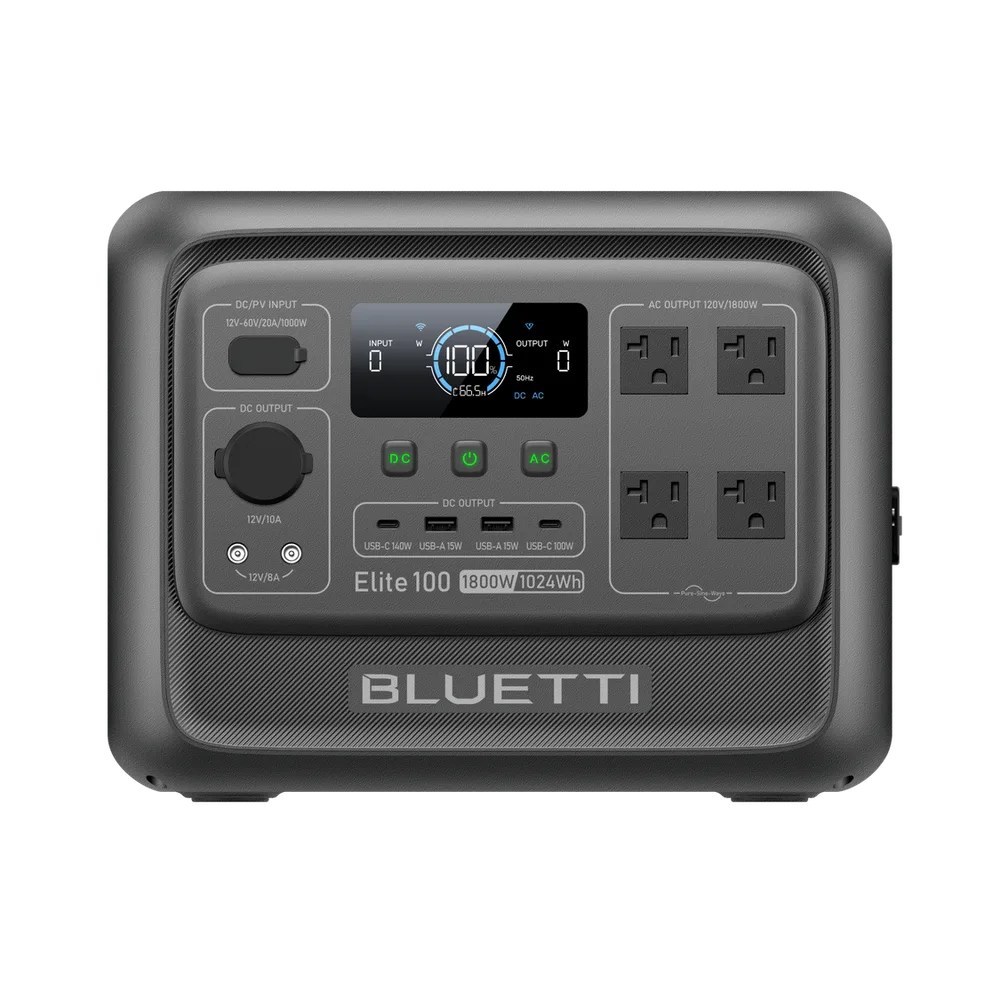
Merchant imagery adds context to these buying notes. Pictured products and accessories are examples; confirm what your selected offer includes.
Write down the devices you need to run
List each device's running demand and any starting surge. Add the loads that will operate at the same time, then compare them with the selected station's continuous-output specification and guidance. Do not assume a station can run a whole home because it has AC outlets. Follow the product manual for use and charging; any connection to home wiring needs an appropriate installed system.
Compare energy and the contents of the box
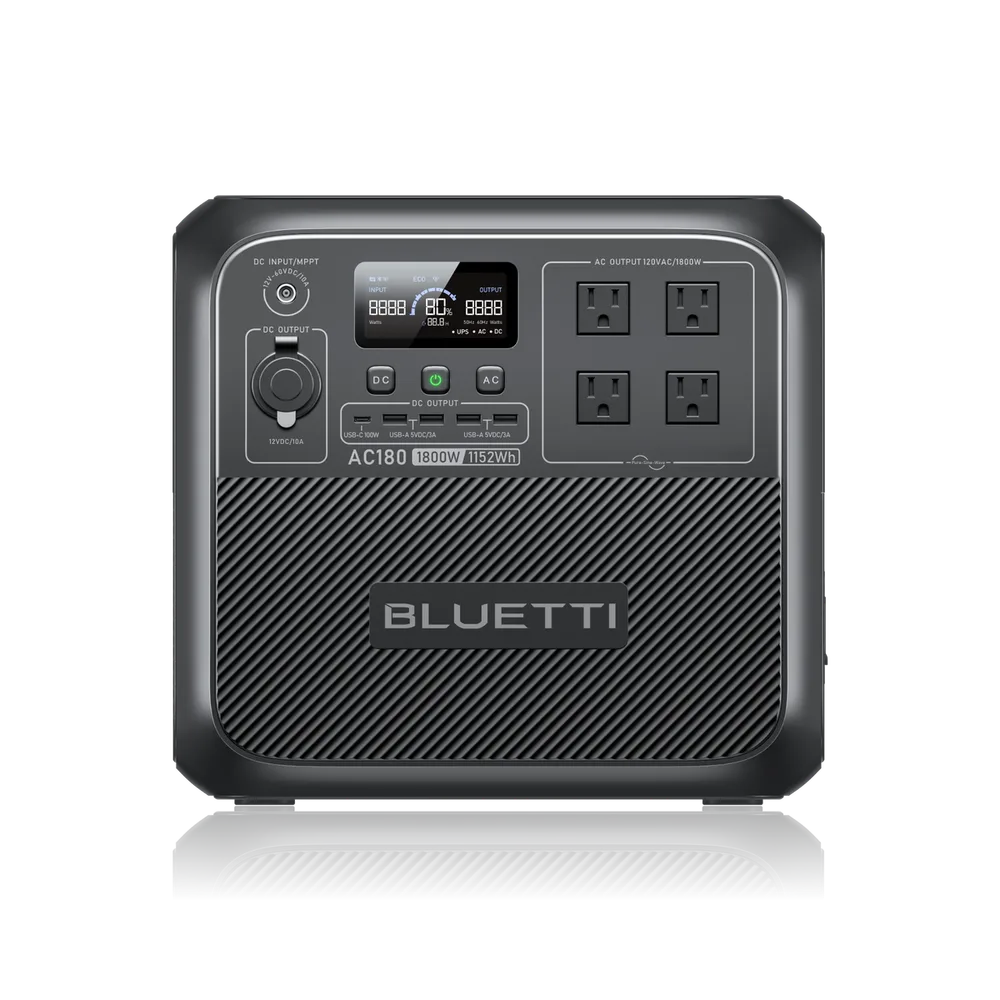
Battery capacity in watt-hours is a useful comparison starting point, but available runtime is lower than an ideal capacity-divided-by-load calculation and varies by use. Check whether panels and charging cables are included, whether expansion is supported and whether the selected bundle can ship to you. The pictured AC180 illustrates one model; the button opens the merchant's range. No dated BLUETTI discount or stock promise is stated here.
Questions before you buy
What is the difference between watts and watt-hours?
Watts measure power demand or output. Watt-hours measure energy capacity. You need sufficient output for the devices and sufficient usable energy for the time you want to run them.
Are solar panels included with every BLUETTI station?
Do not assume they are. Check the selected bundle's included-items list, panel compatibility and charging specifications before ordering.