Good fit if
What you want it to do
- A household with weak coverage in several rooms rather than one slow device.
- Someone who prefers app-guided network setup.
- A home with suitable, open locations for the additional mesh units.
Check before you choose
When to pause
- Confirm whether the selected kit contains routers or extenders; their Ethernet capabilities differ.
- Mesh does not increase the speed of the internet plan coming into your home.
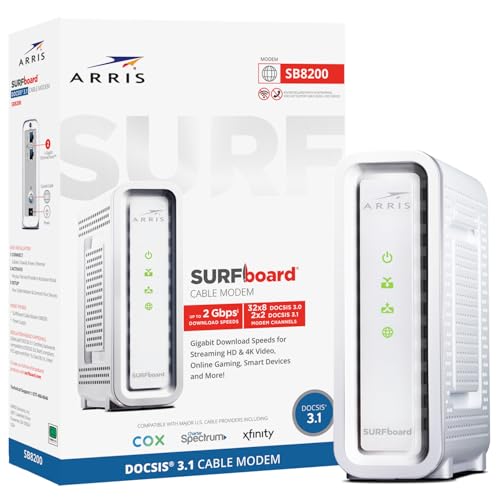
- Your provider's modem, fiber terminal, or other service equipment may still be required.
Fix coverage, not the wrong problem
Compare connection quality near your current router with the rooms where calls or streaming fail. Mesh is a useful candidate when the signal weakens across the layout. If service is poor beside the router too, investigate the incoming connection first. Plan an open location for each unit, with a usable link back to the network rather than placing a satellite at the far end of an existing dead zone.
Check what is in this pack
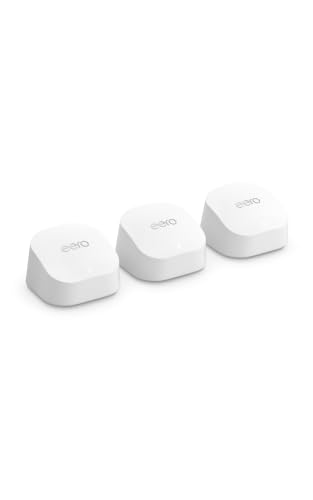
The eero 6+ family includes routers and extenders. eero's current shop distinguishes an Ethernet-equipped router from an extender without Ethernet ports, so do not assume every three-pack has identical port arrangements. Match the Amazon box contents to your wired-device and backhaul plans. Read optional eero Plus terms separately. DDH has not measured coverage or throughput in a test home.
Questions before you buy
Does this replace my cable modem?
No. Mesh handles the home network. Keep a compatible modem or other provider-required service equipment for the incoming connection.
Do all eero 6+ units have Ethernet?
No. The current family includes extenders without Ethernet ports. Check the exact contents of this selected kit before planning wired connections.
Can I combine Deco and eero into one mesh?
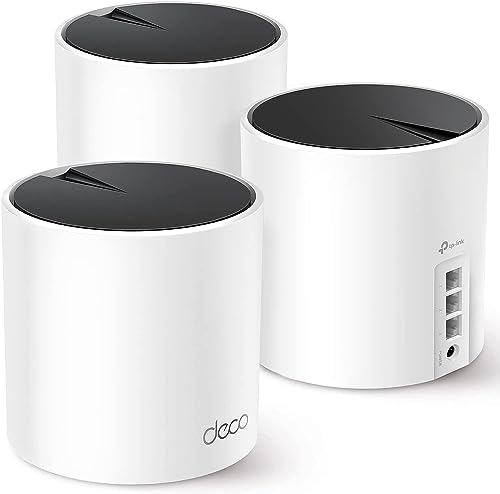
Do not buy them on that assumption. Choose a compatible system and follow its manufacturer's expansion instructions.