Good fit if
What you want it to do
- A home with several weak Wi-Fi areas and useful locations for mesh units.
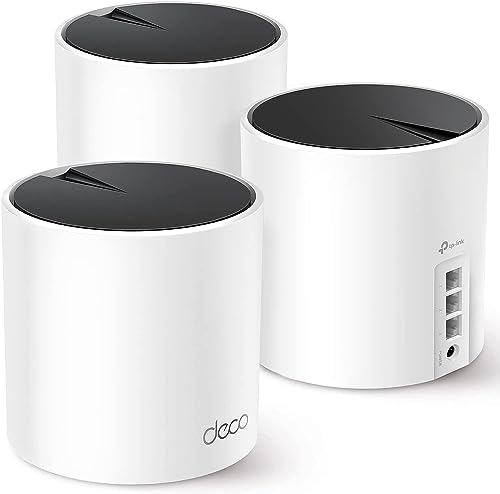
- A desk or TV area where Ethernet ports would reduce reliance on Wi-Fi.
- A household with existing Ethernet runs that could connect the mesh units.
Check before you choose
When to pause
- AX3000 is a wireless class, not a promise of that internet speed to one device.
- Count ports used for the internet connection or wired backhaul before allocating the rest.
- Check the current distinction between included features and optional HomeShield services.
Give each unit a job
Sketch the rooms with connection problems and the equipment that can use Ethernet. The X55's ports are useful beside a TV or desk, while an existing cable between rooms can serve as wired backhaul. Keep the units in open positions and follow TP-Link's placement guidance. Adding three units to a small space without a coverage problem may be unnecessary.
Look beyond the wireless class
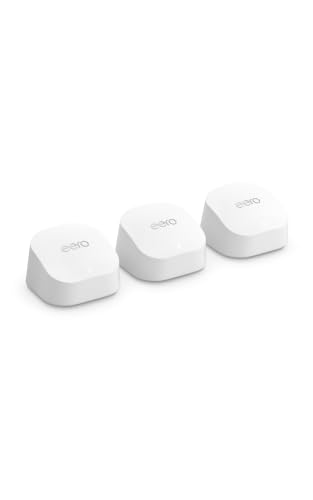
The AX3000 label describes the Wi-Fi class; the provider connection, client device, layout, and interference still affect actual speed. Confirm that gigabit Ethernet suits your planned wired connections, especially if you have a faster internet plan. Compare app management and optional features with eero before choosing an ecosystem. This is a specifications-based comparison, not a measured claim about which system will be faster in your home.
Questions before you buy
Can the Deco X55 units connect by cable?
Yes. TP-Link lists Ethernet backhaul support. Plan the cable route and account for the ports it uses.
Does this remove the need for a modem?
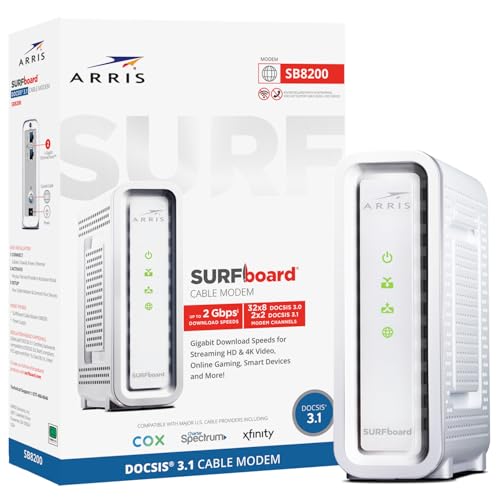
No. You still need the equipment required to connect to your internet provider, such as a cable modem or fiber terminal.
Is the coverage figure a guarantee for my home?
No. Building materials, placement, interference, and the layout affect coverage. Judge the setup in the rooms where you actually use it.