Good fit if
What you want it to do
- A kitchen or desk where spoken timers and reminders are useful.
- An Alexa household adding voice access to a different room.
- A gift recipient who prefers a speaker to another display.
Check before you choose
When to pause
- Plan for Wi-Fi, an Amazon account, and an accessible power outlet.
- Check the current terms of any music or optional Alexa service you want to use.
- A weak Wi-Fi signal in the intended room needs its own fix.
Start with the room
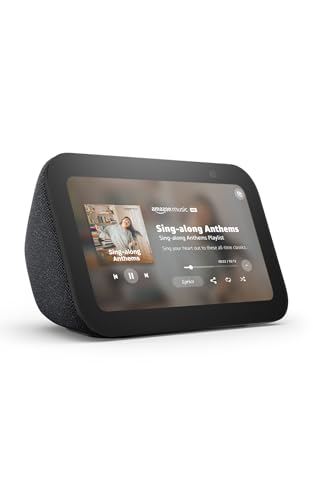
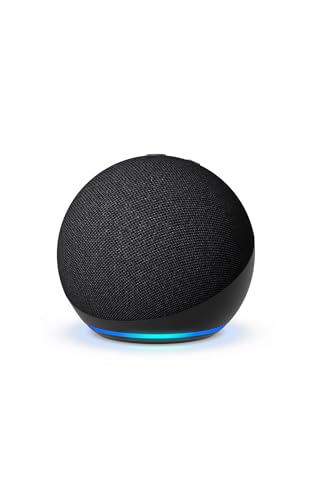
Picture where the Dot will sit and what someone will ask it to do. A speaker near the kitchen counter can keep a timer within earshot; one on a desk can handle brief voice requests. If the goal is reading a recipe or seeing a door-camera view, compare the Echo Show 5 instead. That is a different job, not a reason to buy both.
Make setup part of the gift
Ask whether the recipient wants a microphone in that room before ordering. Set the device up with the account of the person who will use it, and review microphone and account controls together. Smart-home commands also depend on the compatibility of the plug, light, or other device being controlled. This page identifies a buying use case; it does not claim audio testing.
Questions before you buy
Does this Echo Dot have a screen?
This pick is a smart speaker. Choose an Echo Show if you want a screen for visual information, and confirm the exact model on its listing.
Should I replace a working Echo?
Only if you need another listening location or a specific feature your current model lacks. Check that feature on the listing before changing devices.
Will it work with every smart plug?
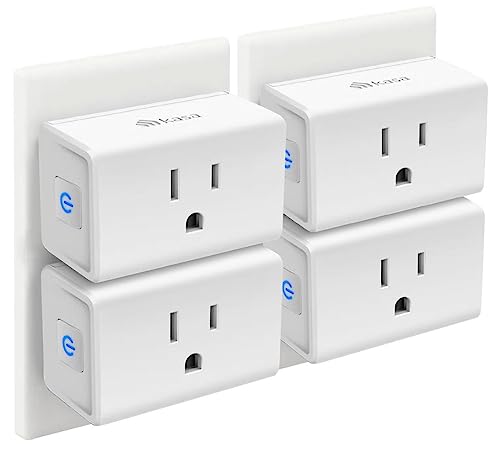
No universal compatibility is promised. Check that the particular plug supports Alexa and follow its setup requirements.