Good fit if
What you want it to do
- A counter where visible timers are easier to check than spoken answers.
- Someone who specifically wants a compact Alexa display.
- A household willing to review camera and account settings during setup.
Check before you choose
When to pause
- Confirm that the particular camera or service you want works with this display.
- Read the listing's privacy controls and calling requirements.
- Check available counter space, the power outlet, and Wi-Fi at that spot.
Choose a screen for a visible task
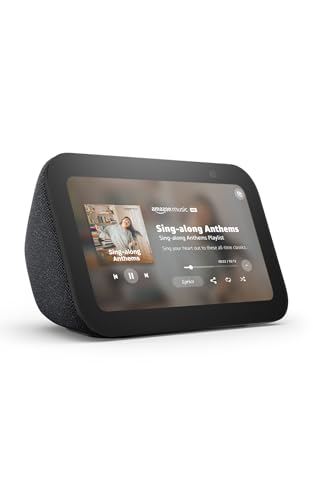
The Show 5 makes sense when seeing an answer matters: a timer across the counter or information beside a desk. It is a different purchase from a streaming stick for a television. Before ordering, name the app or display function you expect to use and check that it is supported. A screen adds little if the household only wants voice timers.
Agree on camera use first
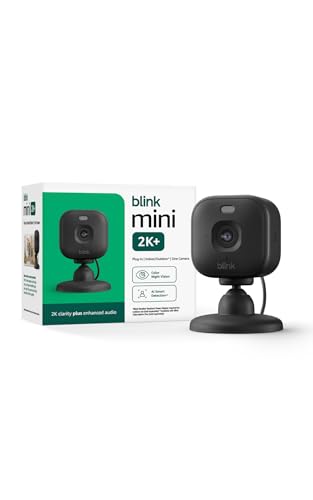
Place the display where people are comfortable having a camera. Review the physical privacy controls described on the listing, along with account settings, before enabling calling features. Use the recipient's account for a gift and explain any setup needed at the other end of a call. DDH has not tested the display's camera or sound; these notes focus on choosing the right device format.
Questions before you buy
Is an Echo Show 5 a television replacement?
No. It is a compact smart display. Use the television's apps or a compatible streaming device for the main TV viewing setup.
Is it the same as an Echo Dot?
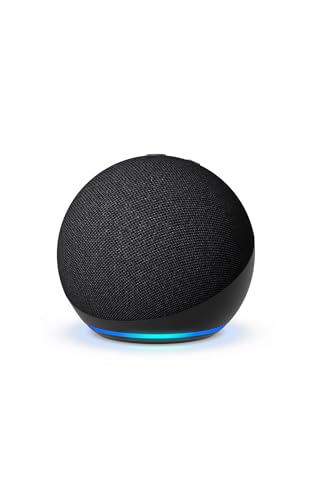
No. The Dot is the speaker option in this comparison. The Show 5 adds a display and camera-related considerations.
What should I check for a gift?
Confirm the model, color, intended location, and whether the recipient wants a camera there. Offer help connecting it to their own account.