Good fit if
What you want it to do
- A compatible Apple household with keys, bags, or luggage to identify.
- Someone who needs several trackers rather than a single replacement.
- A recipient willing to pair and name each item in Find My.
Check before you choose
When to pause
- Check Apple's current device requirements; an Apple brand name alone does not establish compatibility.
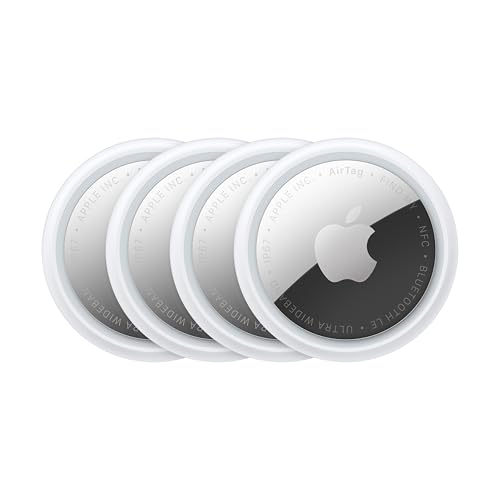
- This listing is a four-pack, not a single tag or an accessory bundle.
- Use trackers for belongings with the owner's knowledge and consent.
Plan four useful placements
Write down the four objects before ordering: for example, keys, a work bag, a suitcase, and a frequently misplaced pouch. That makes the pack size a practical choice rather than an automatic upgrade. Check how each tag will attach and whether a holder is needed. Working older tags do not need to be replaced merely because this listing names a newer generation.
Check the phone before wrapping the gift
Apple specifies iOS or iPadOS 26.2.1 or later for adding a second-generation AirTag. Confirm that the recipient's device meets the requirement. Pair tags one at a time with the account that should manage the belongings, then give them clear item names. We have not measured finding range or compared generations in a field test; use Apple's documentation for feature requirements.
Questions before you buy
Is this a single AirTag?
No. This ASIN is the second-generation four-pack. A single tracker or a holder bundle is a different purchase.
Can an Android-only household set these up?
Apple's setup instructions require a compatible iPhone or iPad. Check that requirement before giving AirTags to an Android-only household.
Should I replace my existing tags?
Only if you need a specific supported feature or additional trackers. Confirm what changes matter to your use before replacing working items.